
Products
JSON Formatter
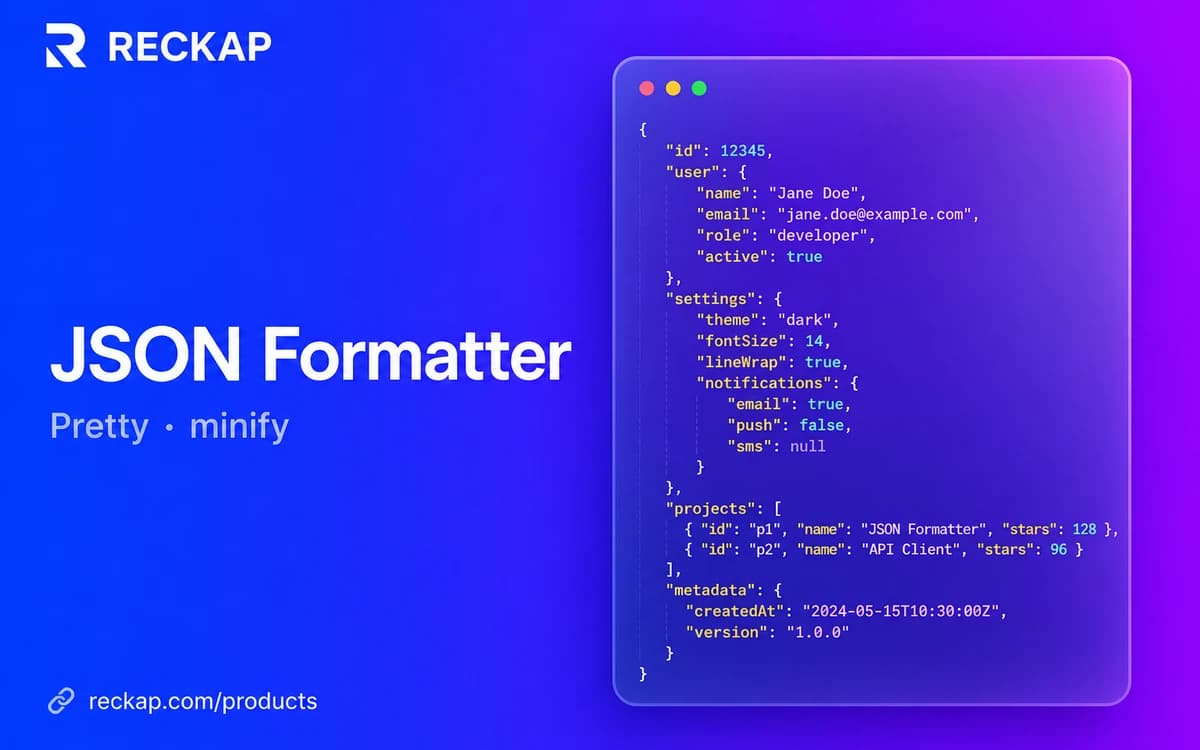
Validate, format, minify, or sort JSON / NDJSON in the browser - optional CSV/XLSX for flat arrays.
Validate, format, minify, or sort JSON / NDJSON in the browser - optional CSV/XLSX for flat arrays.
Runs in your browser. Files stay on your device - Reckap does not upload them for this tool.
JSON formatter
Validate, pretty-print, minify, or sort JSON / NDJSON in this browser. Optional table export for flat arrays - nothing is uploaded.
Options
Document mode
Type
object
Depth
2
Keys
5
Chars
88
Size
88 B
Array len
-
Structure preview
Sheet export preview: 1 × 4 via root-object-flat. Single row: entire object flattened to dotted columns.
Accepts .json / .txt / .ndjson / .jsonl only. SVG and binary types are refused. Processing stays on this device.

Reckap JSON Formatter validates and pretty-prints JSON or NDJSON on your device. Review structure stats, sort keys, then copy or download JSON, CSV, or XLSX. Nothing is uploaded to Reckap.
Format and validate JSON or NDJSON on your device with Reckap JSON Formatter. Pretty-print with 2/4/tab indent, minify, sort keys, review type/depth/key stats and a structure path preview, then copy or download JSON. Flat arrays of objects can export as CSV ZIP or XLSX tables. Load .json, .txt, .ndjson, or .jsonl within size and nesting caps. Nothing is uploaded to Reckap.
- JSON + NDJSON with live format preview
- Syntax colors + collapsible structure tree
- Sort keys, minify, indent 2/4/tab
- CSV/XLSX for nested maps and arrays
- Size / depth / key caps - no upload
Related industries: it operations
How to use
Paste or load JSON
Paste text or load a .json / .txt / .ndjson / .jsonl file. Size, depth, and key caps are checked before processing.
Format or minify
Choose indent, optional key sort, and JSON or NDJSON mode. Live preview updates the output pane when enabled.
Copy or export
Copy the result, download JSON, or export CSV/XLSX. Nested records maps and arrays are flattened to dotted columns. Work stays in this browser.
FAQ
Related tools
More Reckap browser tools in the same lane.




Next step
Ready to talk scope?
Bring the job, the systems you already run, and who owns the handoff. We write the rest.