
Products
Merge PDF
Combine PDFs in your browser: reorder, pick page ranges, rotate, download.
Combine PDFs in your browser: reorder, pick page ranges, rotate, download.
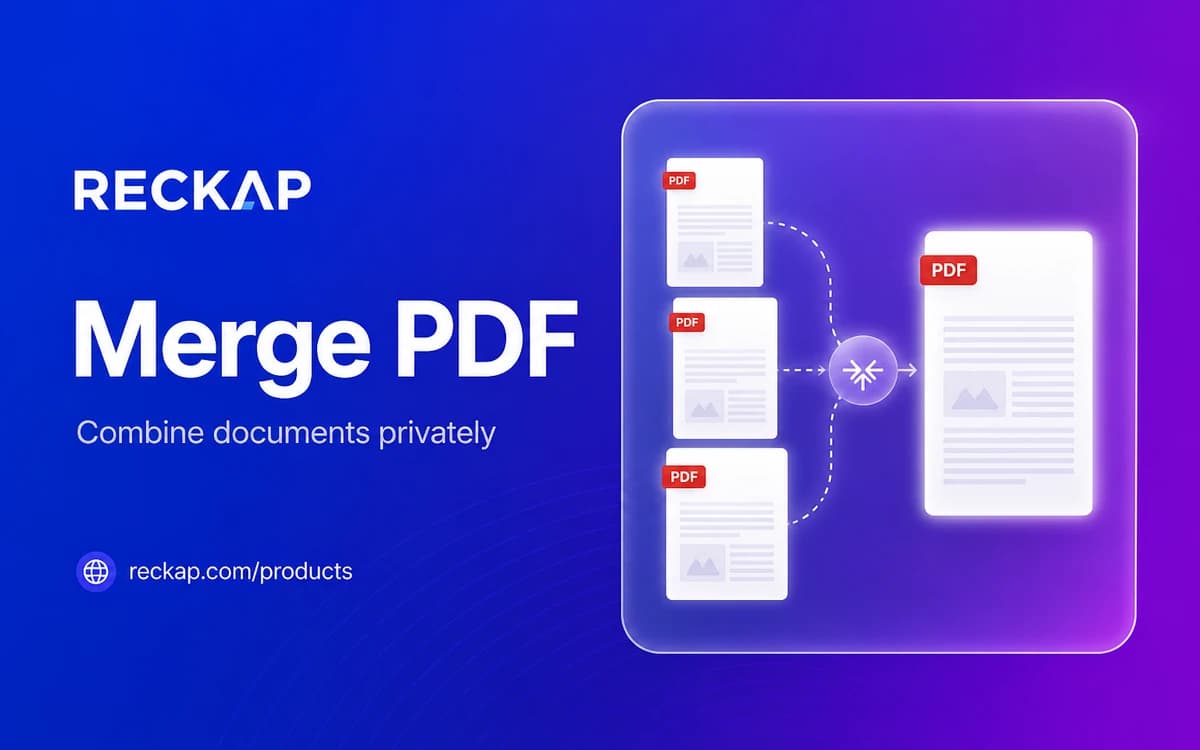
Runs in your browser. Files stay on your device - Reckap does not upload them for this tool.
Merge PDF
Combine PDFs on your device. Reorder files, pick page ranges, rotate pages, then download. Reckap never uploads these files.
Drop PDF files here
or browse (max 20 files, 25 MB each, 500 pages/file)
No files yet.
Add at least 2 PDFs to merge
Reckap Merge PDF combines unlocked PDF files on your device. You reorder files, choose page ranges, optionally rotate pages, and download one PDF. Nothing is uploaded to Reckap for this tool.
Merge two or more PDFs into one file on your device with Reckap Merge PDF. Drag files to set order, include only the pages you need (for example 1-3,5), rotate pages 90/180/270 degrees, name the output, and download. Processing uses pdf-lib in the browser. Files are not uploaded to Reckap servers. Password-protected PDFs are refused until you remove the password locally. Limits apply per file size, page count, and session total so the tab stays stable.
- Drag-and-drop queue with reorder
- Per-file page ranges (1-3,5 or all)
- Rotate included pages before merge
- Custom output name; no account or upload
- Rejects encrypted PDFs and oversize files
Related industries: it operations, legal
How to use
Add PDFs
Drop or browse two or more unlocked PDF files. The tool checks type, size, and page limits before adding them to the queue.
Order and trim
Drag rows or use Up/Down to set merge order. Optionally set a page range per file (all or 1-3,5) and a rotation.
Name and merge
Set an output file name if you want, then choose Merge PDF. The combined file downloads from your browser memory.
FAQ
Related tools
More Reckap browser tools in the same lane.




Next step
Ready to talk scope?
Bring the job, the systems you already run, and who owns the handoff. We write the rest.