
Products
Excel Merger
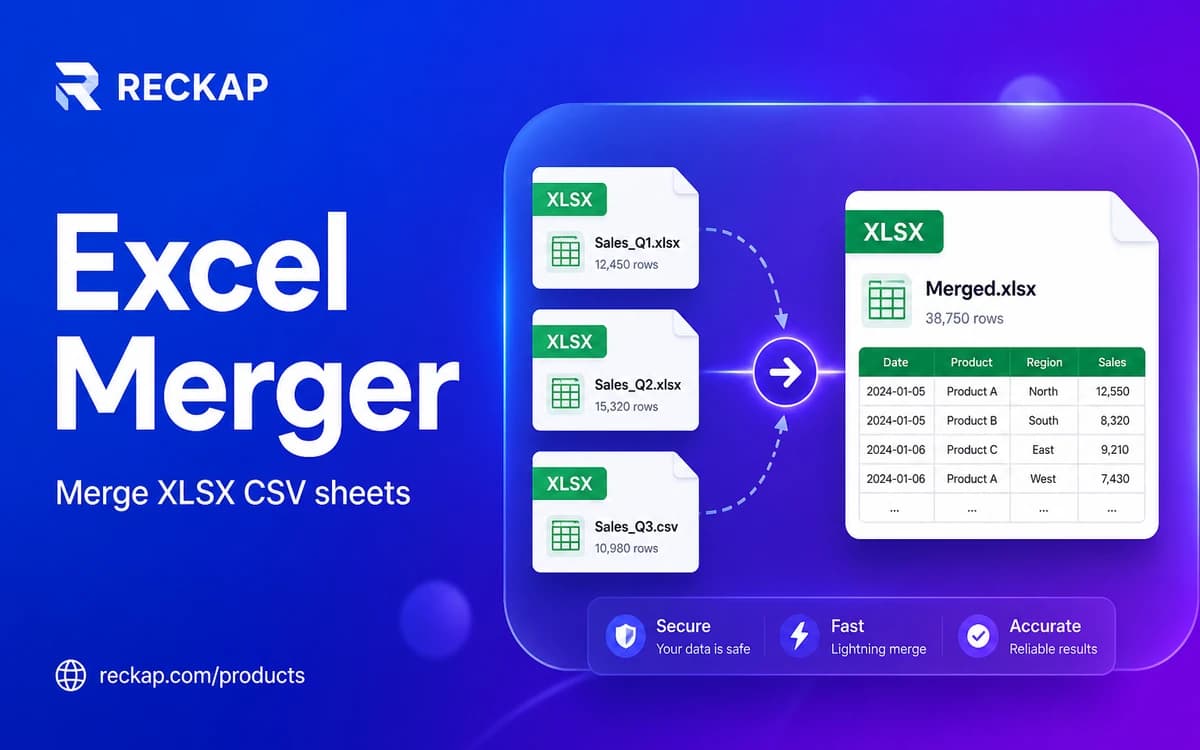
Merge XLSX, XLS, XLSM, CSV, TSV, or ODS in your browser - append, preserve sheets, side-by-side, or join.
Merge XLSX, XLS, XLSM, CSV, TSV, or ODS in your browser - append, preserve sheets, side-by-side, or join.
Runs in your browser. Files stay on your device - Reckap does not upload them for this tool.
Excel Merger
Combine XLSX, XLS, XLSM (data only), CSV, TSV, or ODS in your browser. Append by header, preserve sheets, side-by-side columns, or join on a key. Files never leave this device.
Drop spreadsheets here
XLSX , XLS , XLSM , CSV , TSV , ODS , max 20 files, 15 MB each
or click to browse
Merge mode
Options
Input preview
Input
Nothing to preview yet.
Merged output preview
Nothing to preview yet.
No spreadsheets yet.

Reckap Excel Merger combines spreadsheets on your device. Append by header, preserve sheets, place columns side-by-side, or join on a key, then download XLSX or CSV. Nothing is uploaded to Reckap.
Combine spreadsheets on your device with Reckap Excel Merger. Import XLSX, XLS, XLSM (values only; macros are not run), CSV, TSV, or ODS. Choose append with header union, preserve sheets, side-by-side columns, or outer join on a key. Pick sheets per file, reorder the queue, preview input and merged rows, then download XLSX, ODS, CSV, TSV, HTML, or Markdown. Formula-looking cells are neutralized on text exports. Files are not uploaded to Reckap.
- XLSX XLS XLSM CSV TSV ODS in
- Append, preserve sheets, side-by-side, join
- Sheet picker, drag order, live previews
- XLSX ODS CSV TSV HTML MD out
- No account or upload
Related industries: it operations, retail commerce
How to use
Add spreadsheets
Drop or browse XLSX, XLS, XLSM, CSV, TSV, or ODS. The tool checks type and size, then lists sheets for each file.
Choose mode and sheets
Select append, preserve sheets, side-by-side, or join. Toggle sheets, set join key if needed, and reorder files in the grid.
Preview and download
Review input and merged previews, pick an output format, then download. Processing stays in browser memory.
FAQ
Related tools
More Reckap browser tools in the same lane.




Next step
Ready to talk scope?
Bring the job, the systems you already run, and who owns the handoff. We write the rest.