
Products
CareDue: Home & Car Care
Offline maintenance tracker for cars, bikes, UPS, solar, RO, and home appliances.
Offline maintenance tracker for cars, bikes, UPS, solar, RO, and home appliances.
CareDue is Reckap's Google Play app for offline home and vehicle maintenance. Track assets, log service with cost and photos, see what is due, export CSV free. Logs stay on device; PDF export is optional purchase. Not a browser file tool.
CareDue is Reckap's Android maintenance diary for vehicles, backup power, and home systems. Log oil changes, battery care, solar cleaning, AC service, RO filters, and appliance work without needing a network. See what is overdue or coming due by calendar, km, or runtime hours; attach cost and photos on each log. Core logs stay on the device. The free build includes ads (Google AdMob) and CSV export; PDF export is an optional in-app purchase. This page is marketing only - there is no browser upload tool for CareDue.
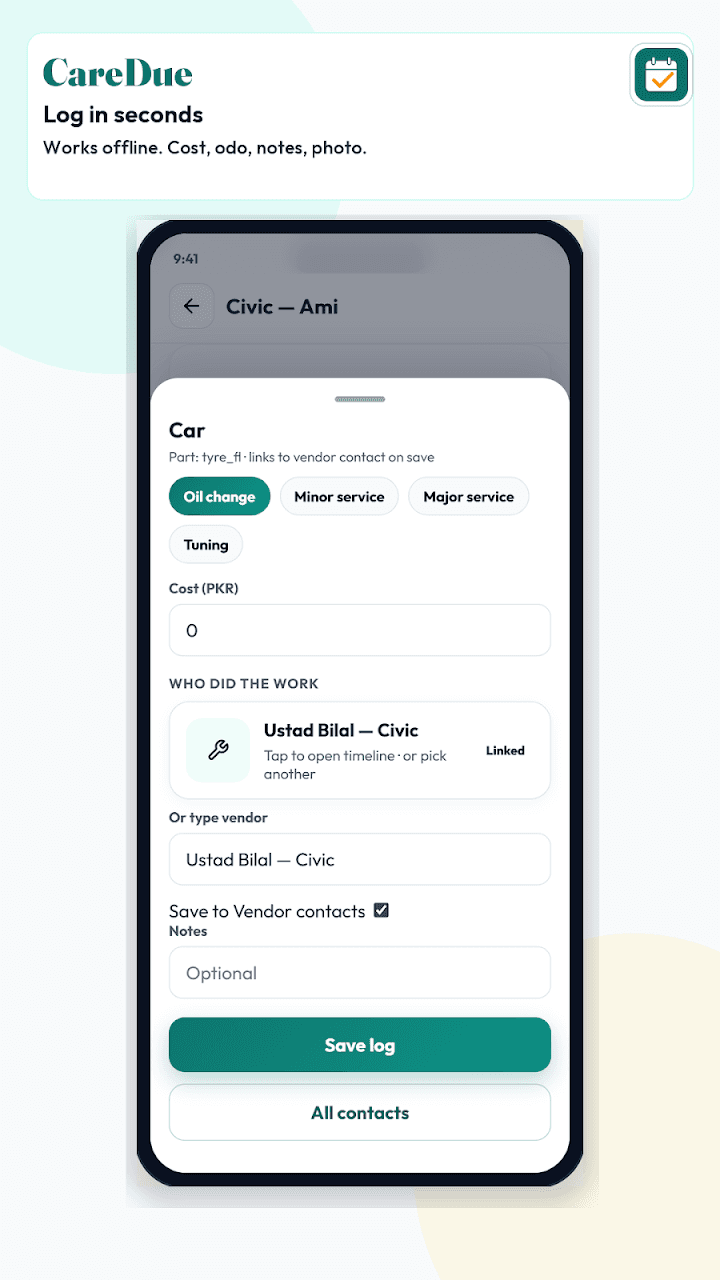
- Offline-first logs on your phone
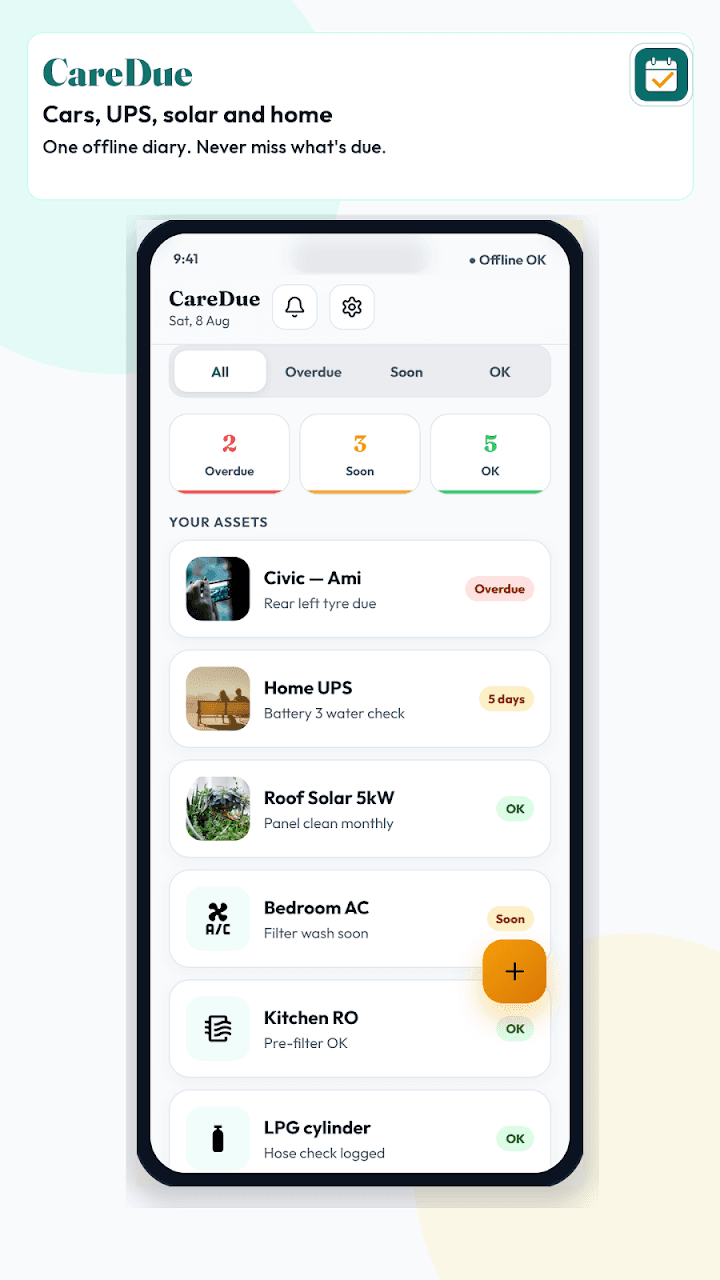
- Cars, bikes, UPS, solar, RO, generators, appliances
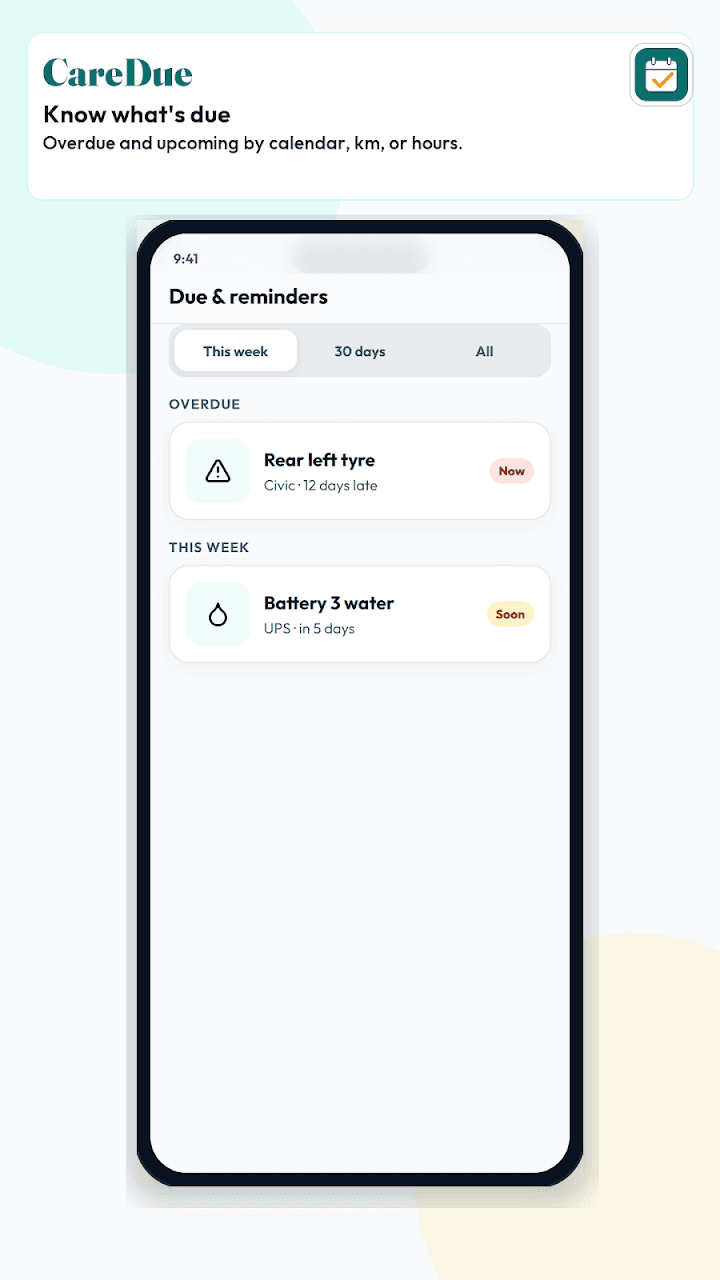
- Due list by date, km, or hours
- Cost, notes, and photos per service log
- Free CSV export; PDF as optional purchase
Free on Google Play. Contains ads. Optional in-app purchase for PDF export.
Related industries: home services
How to get started
Install from Google Play
Open the CareDue listing on Google Play (package com.reckap.caredue), install the free app, and grant only the permissions you need for photos or notifications.
Add your assets
Create entries for vehicles, UPS, solar, RO, generators, or appliances. Set due rules by calendar date, odometer, or runtime hours where the app supports them.
Log service and review due
Record each job with cost, vendor, notes, and optional photo. Use Due & reminders to clear overdue items and plan upcoming work - core logging works offline.
Export when needed
Export CSV from the free build for spreadsheets. PDF export requires the optional in-app purchase if you need printable reports.
FAQ
Related products
Other Reckap products in a related lane — including browser tools when useful.

Next step
Ready to talk scope?
Bring the job, the systems you already run, and who owns the handoff. We write the rest.