
Products
Service Quote Estimator
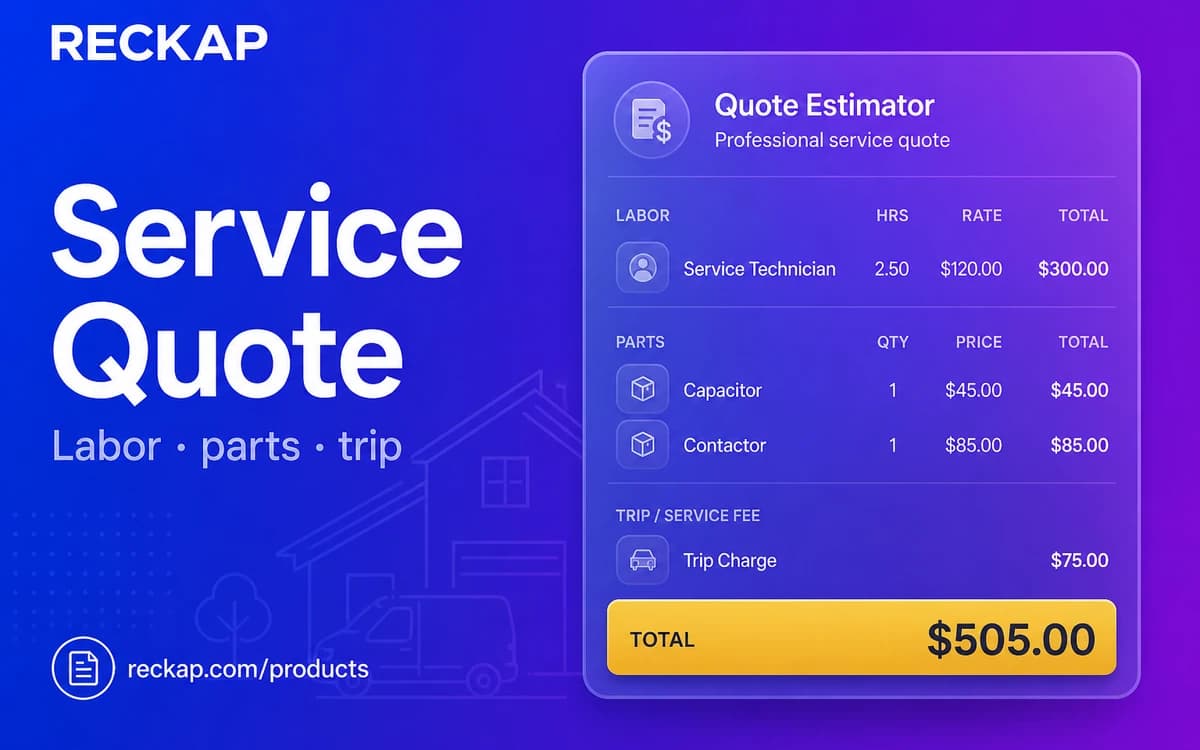
Labor, parts lines, trip fee, markup, and urgency for home-service quotes - single or bulk with export.
Labor, parts lines, trip fee, markup, and urgency for home-service quotes - single or bulk with export.
Runs in your browser. Files stay on your device - Reckap does not upload them for this tool.
Service quote estimator
Labor, parts lines, trip fee, markup, and urgency uplift for home-service quotes. Planning only - pairs with CareDue for maintenance logs.
Setup
Parts / materials , 2 , total $120.00
Labor
$340.00
Parts
$120.00
Trip
$45.00
After markup
$580.75
Tax
$0.00
Quote total
$580.75
Quote mix
Markup applies to labor + parts + trip, then urgency, then tax. Planning estimate only.
Track maintenance after the visit with CareDue.
Caps: amount ≤ 1,000,000,000,000, hours ≤ 500, parts/jobs ≤ 40, tax 0-100%, markup 0-500%. Import csv/tsv/txt only - SVG refused.

Reckap Service Quote Estimator builds visit quotes from labor, parts lines, trip fee, markup, and urgency. Review a live mix chart, run a job grid, then export XLSX/CSV. Nothing is uploaded to Reckap.
Estimate a home-service visit quote in your browser with Reckap. Set labor rate and hours, add reorderable parts lines, trip/call-out, markup, urgency uplift, and optional tax. Use trade presets, a live quote-mix chart, or a bulk jobs grid with CSV import. Export XLSX or CSV. Planning estimates only - pairs with CareDue for maintenance logs. Figures stay on your device.
- Labor + parts grid + trip fee
- Markup, urgency, and tax/VAT
- Live quote mix chart + trade presets
- Bulk jobs (drag / order / remove)
- CSV import + XLSX/CSV export - no upload
Related industries: home services
How to use
Set labor and trip
Enter labor rate, hours, trip/call-out, markup, and urgency. Optionally apply a trade preset.
Add parts or bulk jobs
Add reorderable parts lines on a single quote, or switch to bulk jobs and load CSV for many visits.
Review and export
Check the quote mix chart and totals. Copy a summary or download XLSX/CSV. Planning only - not a binding bid.
FAQ
Related tools
More Reckap browser tools in the same lane.




Next step
Ready to talk scope?
Bring the job, the systems you already run, and who owns the handoff. We write the rest.