
Products
Image Converter
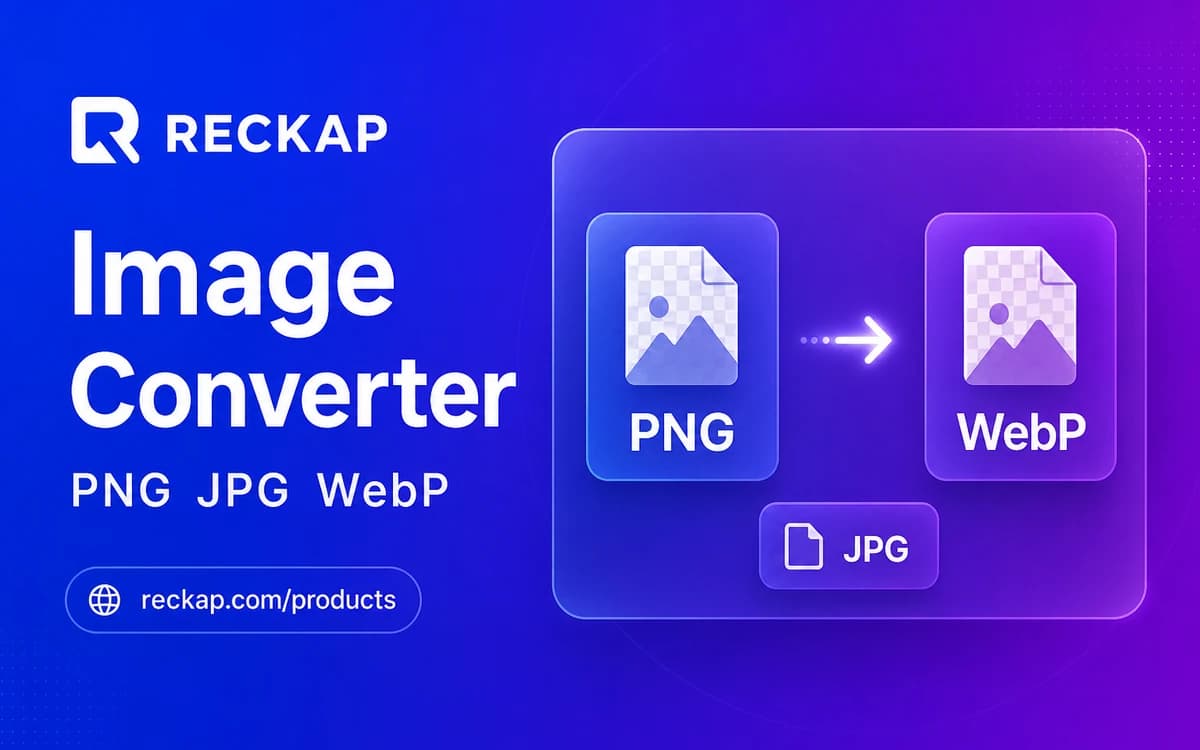
Convert PNG, JPG, WebP, GIF, BMP, AVIF, HEIC, or ICO in your browser with resize and ZIP.
Convert PNG, JPG, WebP, GIF, BMP, AVIF, HEIC, or ICO in your browser with resize and ZIP.
Runs in your browser. Files stay on your device - Reckap does not upload them for this tool.
Image Converter
Convert images on your device: PNG, JPG, WebP, GIF, BMP, AVIF, HEIC (when the browser can decode), and ICO. Export WebP, JPG, PNG, BMP, ICO, and AVIF when encode is available. Resize by max edge, percent, or custom box with stretch / contain / cover. Reckap never uploads these files.
Drop images here
PNG JPG WebP GIF BMP AVIF HEIC ICO , max 20 files, 15 MB each
Input
Add images to preview
Output preview
Output appears here
Live encode of the selected input
No files yet.
Reckap Image Converter changes image formats on your device. Resize by edge, percent, or custom box (contain/cover/stretch), preview input and output, then download a file or ZIP. Nothing is uploaded to Reckap.
Convert images on your device with Reckap Image Converter. Add PNG, JPG, WebP, GIF, BMP, AVIF, HEIC, or ICO when this browser can decode them. Export WebP, JPG, PNG, BMP, ICO, and AVIF when encode is available. Resize by max edge, percent, or custom width×height with stretch, contain (custom background), or cover. Preview input vs output, then download one file or a ZIP. SVG is rejected. Files are not uploaded to Reckap.
- Broad import: PNG JPG WebP GIF BMP AVIF HEIC ICO
- Export: WebP JPG PNG BMP ICO + AVIF when supported
- Resize: max-edge, %, custom + contain/cover/stretch
- Live input vs output preview + batch ZIP
- No account or upload
How to use
Add images
Drop or browse supported images. The tool checks type, size, and pixel limits. HEIC needs a browser that can decode it (typically Safari).
Choose format and resize
Pick an export format, then resize by max edge, percent, or custom size with contain, cover, or stretch. Set a letterbox background for contain or opaque JPG/BMP.
Download
Convert one image to a single download, or convert a batch to a ZIP. Processing stays in browser memory.
FAQ
Related tools
More Reckap browser tools in the same lane.
Next step
Ready to talk scope?
Bring the job, the systems you already run, and who owns the handoff. We write the rest.