
Products
Split PDF
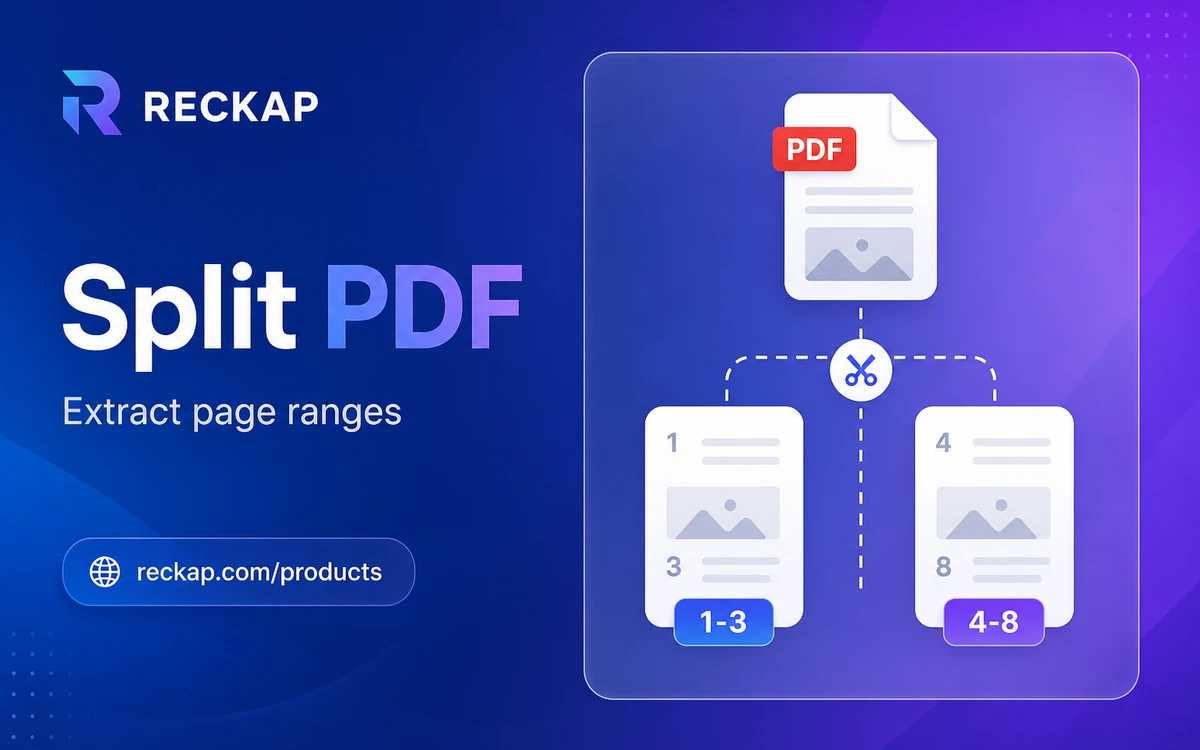
Split a PDF in your browser into PDF parts or page images (JPG, PNG, WebP, and more).
Split a PDF in your browser into PDF parts or page images (JPG, PNG, WebP, and more).
Runs in your browser. Files stay on your device - Reckap does not upload them for this tool.
Split PDF
Extract pages on your device as PDF parts or as images (JPG, PNG, WebP, and more). Custom ranges, every N pages, or one file per page. Reckap never uploads the file.
Drop a PDF here
or browse (max 25 MB, 500 pages)
Output , 1 PDF
Add a PDF to preview extract
Extract summary
- Pages
- -
- Output
- 1 PDF
- File
- -
Reckap Split PDF extracts pages from an unlocked PDF on your device. Download PDF parts or page images (JPG, PNG, WebP, and more) with format controls. Nothing is uploaded to Reckap for this tool.
Extract pages from an unlocked PDF on your device with Reckap Split PDF. Choose PDF output (custom range as one PDF, every N pages as a ZIP of PDF parts, or one PDF per page) or image output (one image per selected page as JPG, PNG, WebP, BMP, or AVIF when this browser can encode it). Image mode includes format, quality, max-edge size, and background for opaque formats. Processing uses pdf-lib and pdf.js in the browser. Files are not uploaded to Reckap. Password-protected PDFs are refused. Page and file-size caps keep the tab stable.
- PDF parts or page images from one PDF
- Custom ranges like 1-3,5,8-10
- Every N pages or one file per page (ZIP)
- Image format, quality, and max-edge controls
- No account or upload, rejects encrypted PDFs
How to use
Add one PDF
Drop or browse an unlocked PDF. The tool checks type, size, and page limits before loading it.
Choose output and split mode
Pick PDF files or image files. Then use a custom page range, every N pages, or one file per page. For images, set format, quality, max edge, and background when needed.
Download
Set a base file name if you want, then download a single file or a ZIP. All work stays in browser memory.
FAQ
Related tools
More Reckap browser tools in the same lane.
Next step
Ready to talk scope?
Bring the job, the systems you already run, and who owns the handoff. We write the rest.